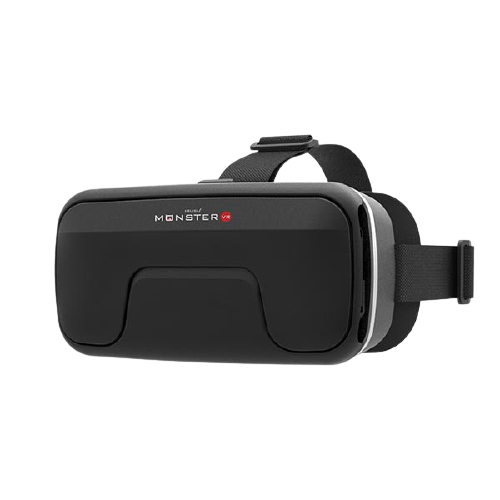
IRUSU Monster VR
- 42mm HD lenses
- Fully adjustable lenses
- Built-in touch button
- Immersive mobile VR viewing
Original listed rating: 4.8/5
 Irusu Technologies Pvt Ltd
Access your orders, rewards, and more
© 2026 Irusu Technologies Pvt Ltd

Looking for a VR headset for your Vivo mobile? IRUSU offers mobile VR headsets designed for compatible Android smartphones, allowing you to explore 360-degree videos, VR games, virtual tours and immersive entertainment.
Whether you own a Vivo V Series, Y Series, T Series or X Series smartphone, it is important to check your phone's dimensions and gyroscope sensor before purchasing a VR Box.
In this guide, explore Vivo VR-compatible mobile models, understand smartphone compatibility requirements and compare IRUSU Monster VR, Play VR Plus, Play VR Ultra and Mini VR.
Yes, a compatible Vivo smartphone can be used with a mobile VR headset. However, not every Vivo phone supports all VR applications and features.
For a proper mobile VR experience, your Vivo smartphone should meet these requirements:
Here are four IRUSU mobile VR headset options. Compare their features and choose the model that suits your smartphone and entertainment requirements.
Original listed rating: 4.8/5
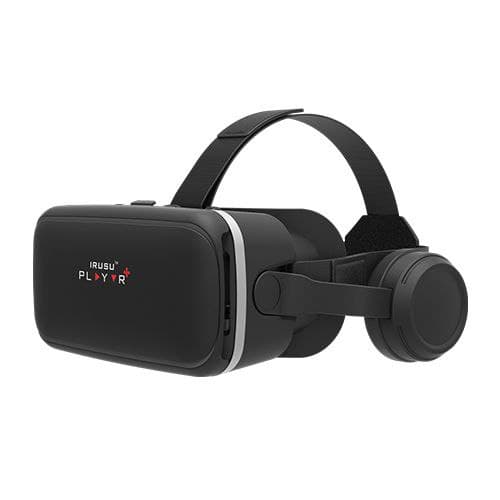
Original listed rating: 4.5/5
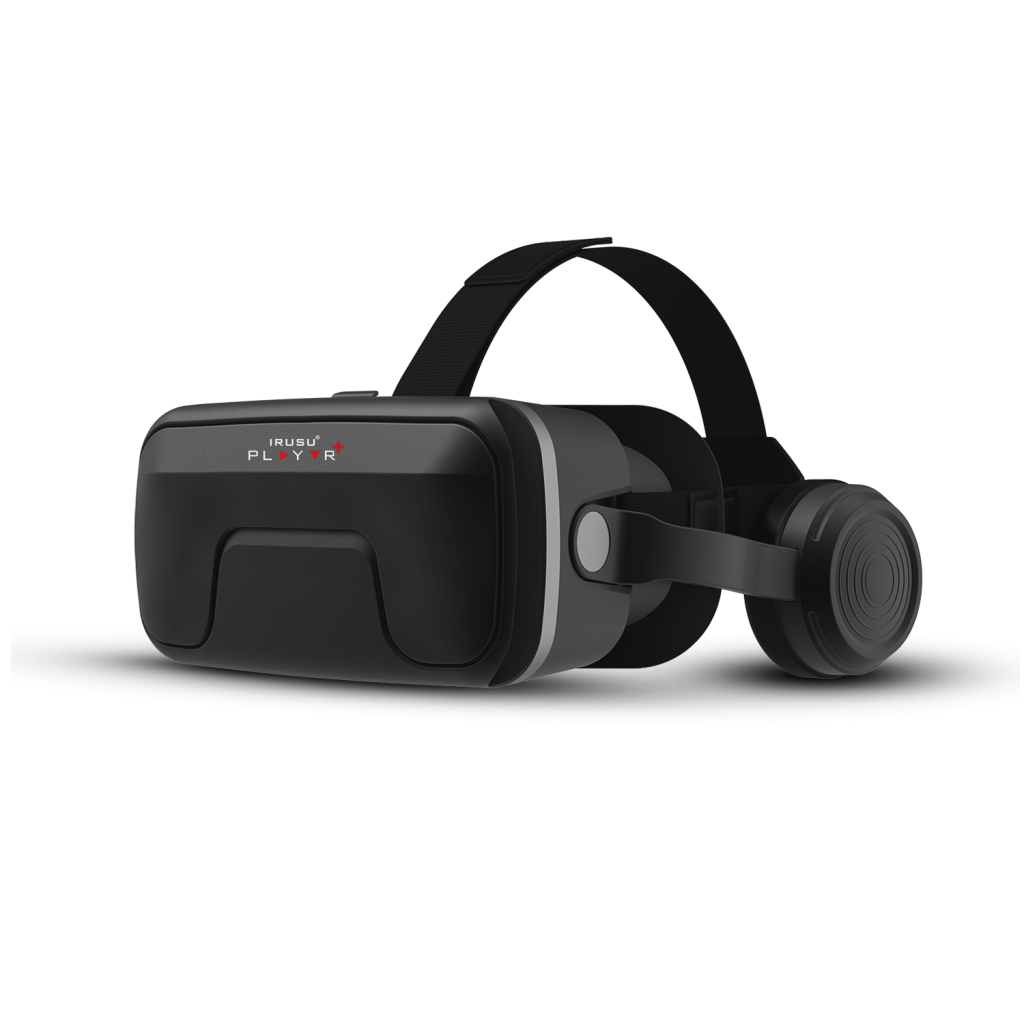
Original listed rating: 4.2/5
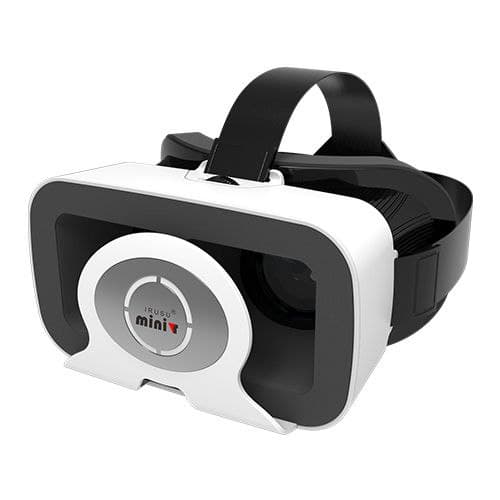
Original listed rating: 4.1/5
Note: Ratings are reproduced from the original article and should be checked against current customer reviews before publication.
Before buying an IRUSU VR headset, check these four important compatibility requirements.
The gyroscope helps supported VR applications detect changes in the orientation of your smartphone. It is important for head-tracked VR viewing.
You can check your Vivo phone's official specifications or use a sensor-testing application to verify gyroscope availability.
The screen size should be within the supported range of the selected IRUSU headset. IRUSU mobile VR product listings include phone sizes up to 6.9 inches for applicable models.
However, screen diagonal is not the only consideration. The physical width, height, thickness, camera bump and phone case can affect fitting.
Your Vivo phone should support the VR application or video format you want to use. Not every regular mobile game supports split-screen VR viewing.
Certain headset functions may depend on Bluetooth, USB OTG, the phone's audio connection and the selected controller. Check the requirements of your particular IRUSU model.
Use the IRUSU compatibility tool to check your mobile size, gyroscope sensor and remote compatibility.
Open IRUSU Compatibility CheckerThe following Vivo models are included in the supplied device reference list. They are useful starting points for checking smartphone compatibility.
| S.No. | Vivo Smartphone | S.No. | Vivo Smartphone |
|---|---|---|---|
| 1 | Vivo T2x | 2 | Vivo V27 |
| 3 | Vivo T2 | 4 | Vivo V27 Pro |
| 5 | Vivo Y36 | 6 | Vivo Y100 |
| 7 | Vivo X90 5G | 8 | Vivo X90 Pro |
| 9 | Vivo T2x 6GB RAM | 10 | Vivo T1 44W |
| 11 | Vivo Y56 | 12 | Vivo V25 5G |
| 13 | Vivo V25 Pro 5G | 14 | Vivo Y16 |
| 15 | Vivo Y20 | 16 | Vivo T2x 8GB RAM |
| 17 | Vivo V29 | 18 | Vivo T2 Pro |
| 19 | Vivo Y200 5G | 20 | Vivo V29 Pro |
| 21 | Vivo V29e | 22 | Vivo Y17s |
| 23 | Vivo V40 | 24 | Vivo V30 |
| 25 | Vivo V40 Pro | 26 | Vivo T3x |
| 27 | Vivo T3 | 28 | Vivo V30e |
The official Vivo V27 specifications list a 6.78-inch AMOLED display, physical dimensions of approximately 164.1 × 74.8 mm and a supported gyroscope sensor.
This makes it a useful example of a phone that meets several important mobile VR requirements. Physical fitting and application compatibility should still be checked.
The following older Vivo smartphone models were included in the original IRUSU compatibility reference. Their current availability, sensor specifications and compatibility should be individually verified.
Not every Vivo smartphone is guaranteed to be compatible. Your phone must fit within the headset's supported dimensions and have the required sensors and application support. Check your exact Vivo model using the IRUSU compatibility checker.
A gyroscope is important for head-tracked mobile VR applications. Without it, head movement tracking may not work correctly, even if your phone physically fits inside the headset.
Several Vivo models have been included in our compatibility reference list, including V27, V29, V40, T2, T3, X90 and selected Y Series devices. However, verify the sensor specifications and physical dimensions of your exact model.
Some Vivo Y Series phones may meet the requirements for mobile VR. Compatibility depends on the particular model, gyroscope availability, physical dimensions and application support.
IRUSU product listings include support for compatible smartphones up to 6.9 inches for applicable models. Screen size alone does not guarantee fitting. Check phone width, height, thickness and camera bump as well.
Yes, provided your Vivo phone supports the required VR application and the video is compatible with the headset's viewing format. A gyroscope is recommended for head movement tracking.
IRUSU offers Monster VR, Play VR Plus, Play VR Ultra and Mini VR. Compare their lens, audio and control features and check your phone's compatibility before selecting a model.
Visit the IRUSU mobile compatibility checker at irusu.co.in/faq/ to check your smartphone's size, gyroscope sensor and remote compatibility.
Experience compatible 360-degree videos, VR applications, virtual tours and mobile VR entertainment using an IRUSU VR headset and a suitable Vivo smartphone.
Check your phone's compatibility and choose the IRUSU VR headset that meets your requirements.
Check Mobile Compatibility Explore IRUSU ProductsIRUSU Technologies Pvt. Ltd. is an Indian virtual reality technology company offering VR headsets, accessories, software applications and immersive technology solutions.
This guide is intended to help Vivo smartphone users understand the hardware and application requirements for mobile VR before selecting a compatible VR headset.