
IRUSU VR GUIDE • 2026
2026’s Best: Top 5 Android VR Apps You Can’t Miss
Looking for the best VR apps for Android? Discover five virtual reality apps and experiences worth exploring in 2026. From thrilling roller coaster rides and educational anatomy models to immersive entertainment and VR browsing, there is something for every kind of VR enthusiast.
Explore the World of Android Virtual Reality
You don't always need an expensive standalone VR headset to begin exploring virtual reality. A compatible Android smartphone and a mobile VR headset can open the door to 360-degree videos, immersive games, educational experiences and virtual entertainment.
In this guide, we look at five Android VR apps and experiences that you can explore in 2026. Whether you enjoy gaming, learning, entertainment or exploring virtual environments, these options can help you get more from your mobile VR setup.
Before you install:
Check the app's current availability, Android version
requirements and VR headset compatibility. Some apps require
a compatible gyroscope, specific VR viewer or a separate
platform app to access their content.
APP 01 • VR GAMING
01. IRUSU VR Zombie Killer Rollercoaster – Experience the Thrill
Want an exciting VR experience on your Android smartphone? Try IRUSU VR Zombie Killer Rollercoaster. This immersive game combines roller coaster-style rides with a zombie-themed gaming experience.
Experience virtual twists, turns and thrilling rides as you explore the game. It is a fun option for users who want to try something different with a mobile VR headset.
Best for: Users who enjoy roller coaster
experiences, action-themed games and mobile VR entertainment.
Download IRUSU VR Zombie Killer on Google Play
APP 02 • MULTIPLAYER BOARD GAME
02. Ludo VR – Multiplayer Fun in Virtual Reality
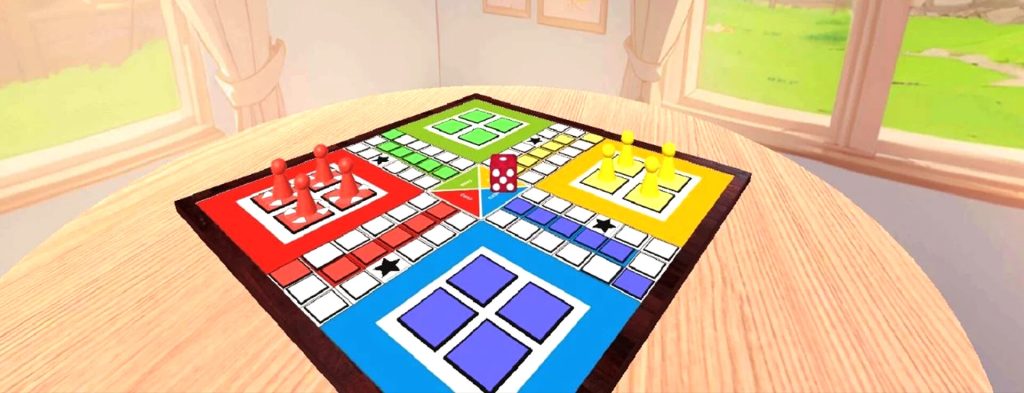
Bring the familiar fun of a classic board game into a virtual environment. Ludo VR was designed to offer a virtual reality take on the traditional Ludo experience, allowing players to enjoy a board game in an immersive setting.
It is an interesting concept for people who enjoy casual games and want to explore how familiar activities can be presented in virtual reality.
Availability note:
The earlier standalone Google Play listing for Ludo VR
may no longer be available. The old download link should
not be treated as a guaranteed working installation route.
Check the JioImmerse app and its current content library
for availability.
Explore JioImmerse
APP 03 • EDUCATION
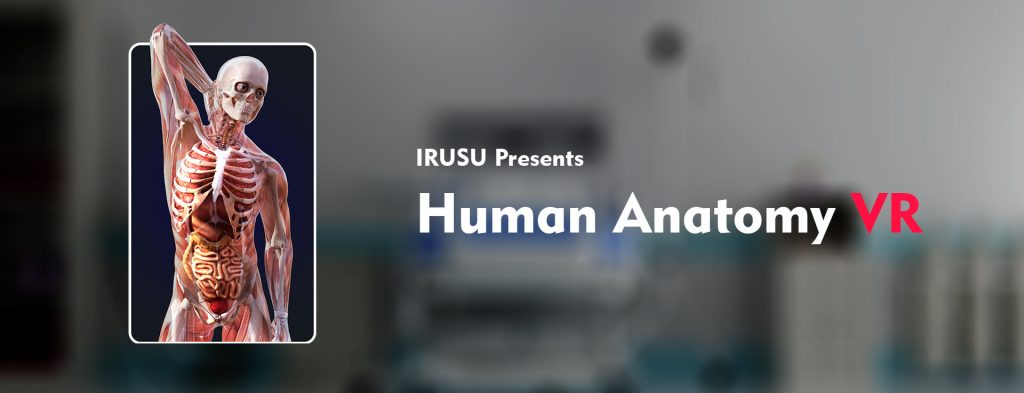
03. IRUSU Human Anatomy 4D – Learning Meets Innovation
If you are interested in science, biology or medical education, IRUSU Human Anatomy 4D in VR, AR and MR offers an interactive way to explore the human body.
Explore different body systems, including the skeletal, muscular, digestive, circulatory and nervous systems. View anatomical structures, rotate models and examine different parts of the human body.
Key Learning Features
- Explore multiple human body systems.
- View anatomical structures in 3D.
- Examine body parts from different angles.
- Explore AR, VR and MR learning experiences on supported devices.
- Useful for students, teachers and anatomy enthusiasts.
Best for:
Students, educators and anyone interested in interactive
human anatomy learning.
Download IRUSU Human Anatomy 4D
APP 04 • VR ENTERTAINMENT PLATFORM
04. JioImmerse – Explore Virtual Reality Entertainment
JioImmerse is a platform for exploring virtual reality content across entertainment, gaming, learning and other immersive experiences.
Depending on the available content and supported devices, users can explore immersive videos, virtual entertainment and other experiences through the JioImmerse ecosystem.
What Can You Explore?
- VR entertainment experiences.
- Immersive video content.
- VR browsing and other virtual experiences.
- Content available through the JioImmerse library.
Jio also provides compatibility information and setup guidance for its JioDive mobile VR headset.
Explore JioImmerseAPP 05 • VR BROWSING & CONTENT
05. JioPages VR – Explore the Internet in Virtual Reality
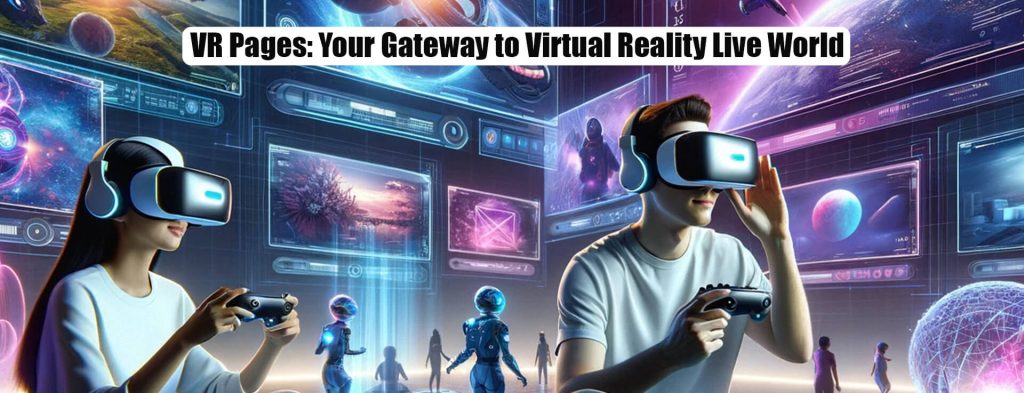
Looking for a way to explore web content in virtual reality? JioPages VR is a VR browsing experience within the JioImmerse ecosystem.
It is designed to bring browsing and supported online entertainment into a virtual environment. Explore web content and supported streaming experiences using a compatible VR setup.
Important:
JioPages VR is presented as an experience within JioImmerse.
Check the current JioImmerse library for supported features
and content. Availability of individual live sports or
streaming services can change.
Explore JioPages VR through JioImmerse
Tips for a Better Android VR Experience
Before using any Android VR app, make sure your smartphone and headset are compatible. These simple checks can help you get a better experience.
1. Check Your Phone's Gyroscope
Many mobile VR experiences use the phone's gyroscope to track head movement. Check the app requirements and confirm that your smartphone has the required sensors.
2. Check Screen Size and Headset Compatibility
Make sure your phone fits securely inside your mobile VR headset. Check the supported phone dimensions and screen size before using it.
3. Choose High-Quality VR Content
Low-resolution videos can appear blurry or pixelated when viewed through VR lenses. Whenever possible, select the highest stable video quality supported by your phone, app and internet connection.
4. Adjust the Headset for a Clear View
Position your phone correctly and adjust the headset so that the image appears clear and comfortable. Follow the setup instructions supplied with your headset.
5. Take Breaks During VR Sessions
Start with shorter sessions, especially if you are new to VR. Stop using the headset if you experience discomfort, dizziness or eye strain.
Need help setting up your IRUSU VR headset?
Read our
IRUSU VR headset setup guide
for smartphone setup instructions.
Frequently Asked Questions About Android VR Apps
1. What are the best VR apps for Android in 2026?
Some Android VR apps and experiences worth exploring include IRUSU VR Zombie Killer Rollercoaster, IRUSU Human Anatomy 4D, JioImmerse and JioPages VR. Availability and compatibility vary by app and device.
2. Can I use a VR headset with an Android phone?
Yes. You can use a compatible mobile VR headset with an Android smartphone. Your phone must meet the headset's physical requirements and the app's sensor and software requirements.
3. Does my Android phone need a gyroscope for VR?
Many head-tracked mobile VR apps require a gyroscope. However, requirements vary by application. Check the app and headset compatibility information before use.
4. Can I use Android VR apps without an internet connection?
Some installed apps and locally stored content may work offline, while streaming, online games and platform-based experiences generally require an internet connection.
5. Is IRUSU Human Anatomy 4D available for Android?
Yes. IRUSU Human Anatomy 4D in VR, AR and MR is available on Google Play. Check the app listing for the latest device and software requirements.
6. Why do VR videos look blurry on my phone?
Blurry VR videos can be caused by low video resolution, incorrect headset positioning, unsuitable phone settings or lens adjustment. Try a higher video quality and adjust your headset for a clearer image.
7. Can I watch 360-degree videos using a mobile VR headset?
Yes. You can watch compatible 360-degree videos using supported VR video apps. Make sure the video format and app support mobile VR playback.
Start Exploring Android VR in 2026
Android virtual reality offers different ways to play, learn and explore immersive content. From IRUSU's roller coaster game and Human Anatomy 4D to the entertainment experiences available through JioImmerse, there are several options worth discovering.
Choose apps that match your interests, check your phone's compatibility and make sure you use a suitable VR headset. Your next virtual reality experience could be just a download away.
Explore the IRUSU website for mobile VR headsets, accessories and VR experiences.