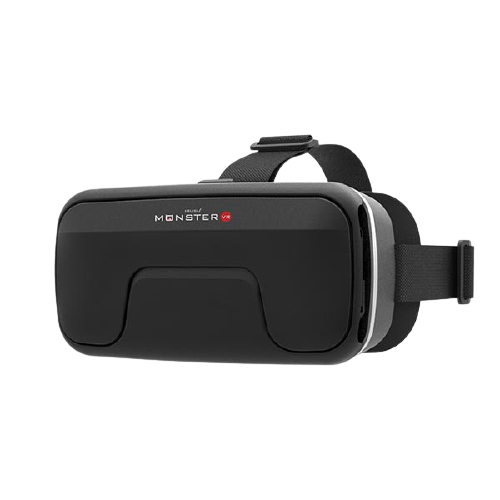
1. IRUSU Monster VR
Consider Monster VR if you want a smartphone VR viewer for compatible 3D videos and 360-degree content.
- Adjustable lenses
- 42 mm HD lenses
- Built-in touch button
- Check your phone's physical dimensions before ordering
 IRUSU
Access your orders, rewards, and more
© 2026 IRUSU
Searching for a VR headset for iPhone or a 3D VR box for mobile? IRUSU smartphone VR headsets are designed to help you enjoy compatible 3D videos, 360-degree content and supported mobile VR apps. Compare the models below, check your iPhone's dimensions and choose a headset that suits your intended use.
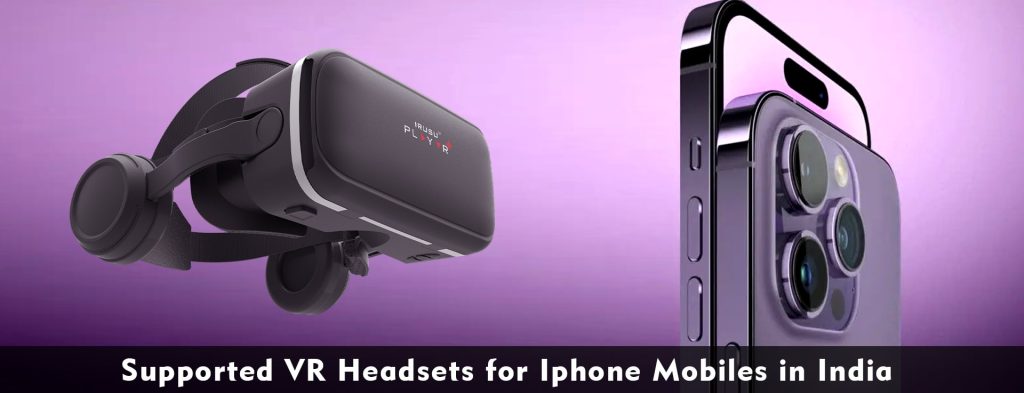
Explore mobile VR headsets on the official IRUSU website and check the current discount eligibility for your chosen model.
Shop Now — Check 10% OFFThese IRUSU models offer different designs and features. Choose based on phone fit, viewing needs and the current product specifications—not on the iPhone brand alone.
Consider Monster VR if you want a smartphone VR viewer for compatible 3D videos and 360-degree content.
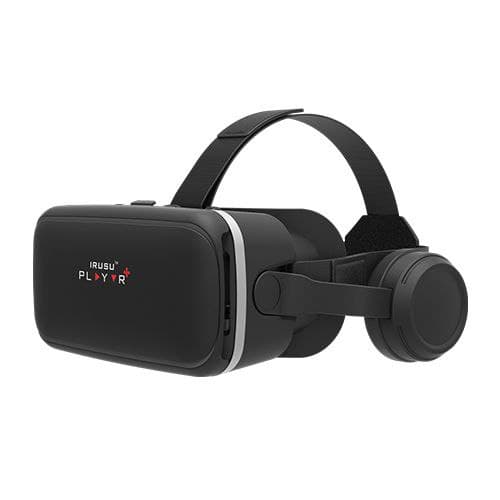
A mobile VR option for users who prefer an integrated audio experience alongside supported VR video and app content.
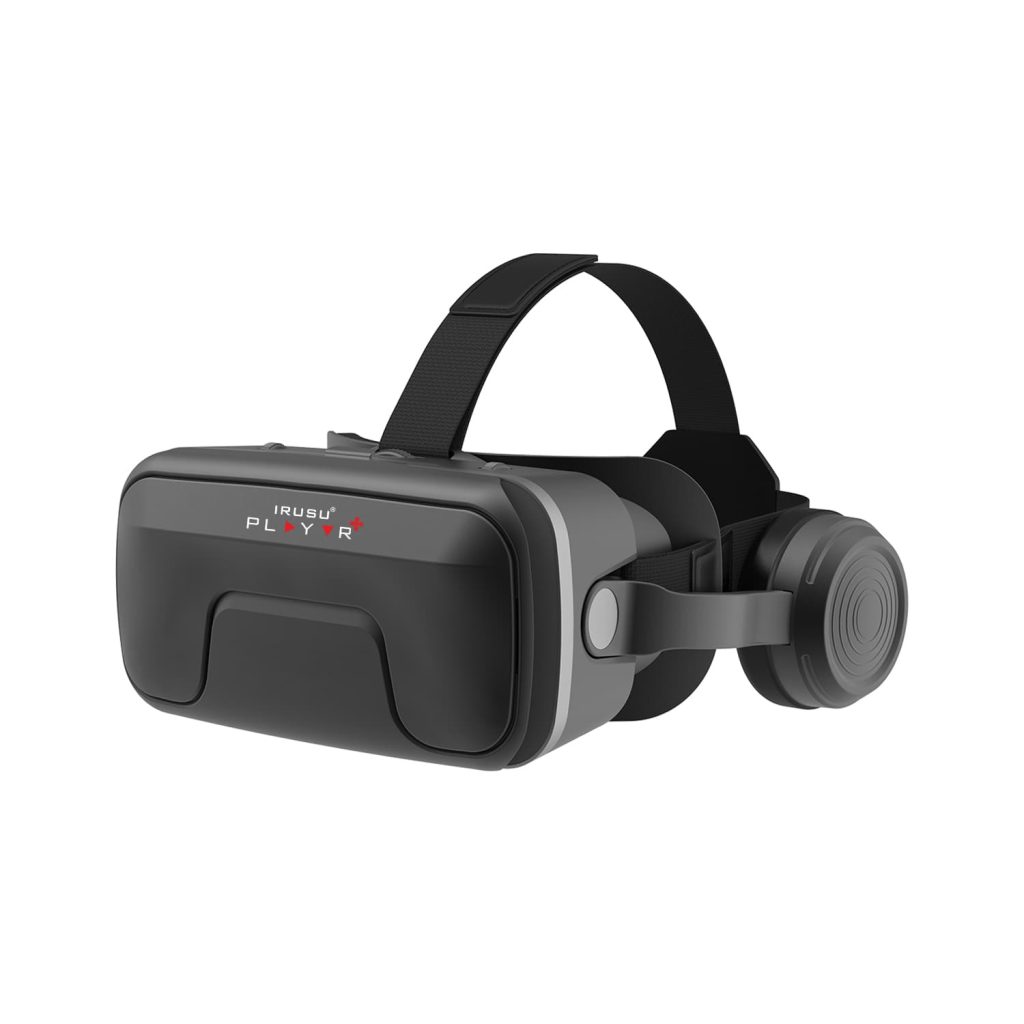
Compare Play VR Ultra if adjustable lenses and its product-specific features match your mobile VR requirements.
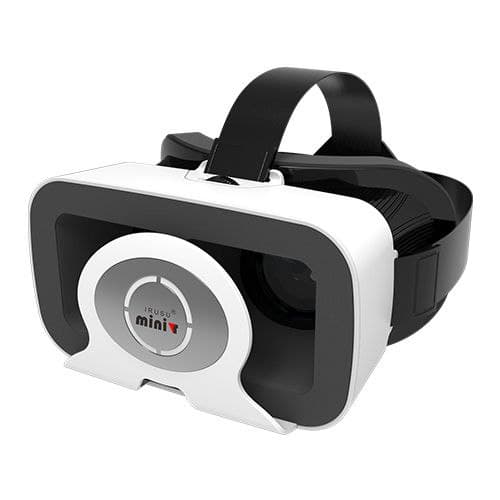
Consider Mini VR if you want a compact smartphone VR viewer for compatible mobile devices and supported viewing apps.
Check the offer and final price on the official store before checkout.
Explore IRUSU ProductsA smartphone VR headset may work with a compatible iPhone, but the exact experience depends on the phone, the headset and the app. Before buying an iPhone VR headset, check three things:
For example, IRUSU's Mini VR product page publishes a supported screen-size range and sensor requirements. Check the live specification before choosing a model for your exact iPhone. See the IRUSU Mini VR specifications.
When comparing a mobile VR headset in India, consider these practical factors rather than relying on screen size or product names alone.
Check the maximum supported phone height, width and thickness. A bulky protective case can prevent an otherwise compatible phone from fitting.
Adjustable lens positioning can help you find a clearer and more comfortable view. The final image also depends on the phone display, video resolution and the content being played.
Confirm that your chosen VR player or game supports iOS. Android-only apps cannot be installed directly on an iPhone.
Integrated headphones can be convenient for watching content. Check whether the touch button or remote works with the iOS app you intend to use. Remote compatibility can vary.
Look for a suitable head strap, comfortable face padding and enough ventilation. Stop using the phone if it becomes unusually hot.
Decide whether you mainly want to watch 3D videos, explore 360-degree videos, use virtual tours or play compatible VR games. Each app may have different device and control requirements.
Use this as a checklist when evaluating an older or newer iPhone. It is not a guarantee that every model works with every headset or app.
| iPhone family | Example models | What to check |
|---|---|---|
| iPhone 6–8 | iPhone 6, 6s, 7, 8 and Plus models | Current app availability, sensors and physical fit. |
| iPhone X family | iPhone X, XR, XS and XS Max | Phone dimensions, app support and viewing mode. |
| iPhone 11 family | iPhone 11, 11 Pro and 11 Pro Max | Exact phone dimensions and the chosen app's requirements. |
| iPhone 12–13 | Mini, standard, Pro and Pro Max models | Check each model separately; sizes differ within a family. |
| iPhone 14–15 | Standard, Plus, Pro and Pro Max models | Physical fit, sensor requirements and iOS app compatibility. |
| iPhone 16 family | iPhone 16, 16 Plus, 16 Pro and 16 Pro Max | Confirm the exact dimensions and supported viewing app. |
For a more accurate check, use the Apple specifications for your exact iPhone and compare them with the supported dimensions on the IRUSU product page.
How to Check Whether Your Mobile Phone Supports VR →
Browse the IRUSU VR app information and setup resources to find compatible experiences for your device.
Explore the Best VR Apps for Android and iPhone → Explore IRUSU VR Headsets and Accessories →Yes, a compatible smartphone VR headset can work with an iPhone if the phone fits and the chosen iOS app supports the viewing features you need.
Compare the supported phone dimensions, lens adjustment, comfort, and app compatibility. Check the specifications of each IRUSU model before making a decision.
No. Screen diagonal alone does not confirm fit. Check the phone's height, width and thickness against the headset's supported dimensions.
Remote functionality may be limited on iOS. Check the product compatibility notes and the control requirements of your chosen app.
Yes, when you use compatible content and an app that supports the required viewing format. The experience depends on the app, phone and video.
Visit the official IRUSU website and check the current offer and checkout terms. Confirm the discount applies to your selected product before placing your order.
Compare the available models, verify your iPhone's dimensions and check the current 10% website offer before ordering.
Shop IRUSU — Check 10% OFF