Navigation
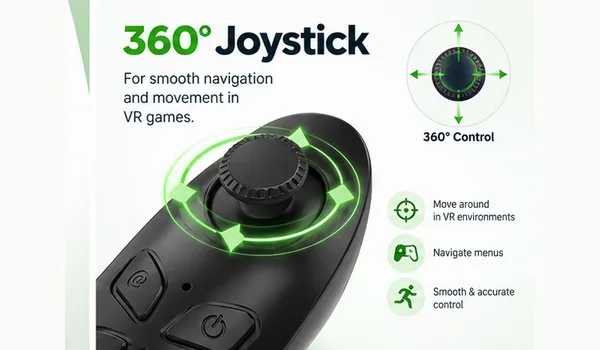
360° Joystick
Move the joystick for navigation and movement in supported games or applications.
 Irusu Technologies Pvt Ltd
Access your orders, rewards, and more
© 2026 Irusu Technologies Pvt Ltd
Navigate compatible VR experiences and use supported remote-control functions with the IRUSU Wireless VR Remote Controller. Its compact design includes a joystick and dedicated control buttons.
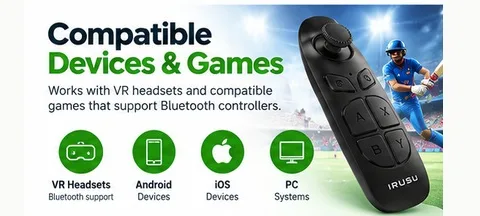
Compatibility and button functions depend on the connected device, operating system and application.
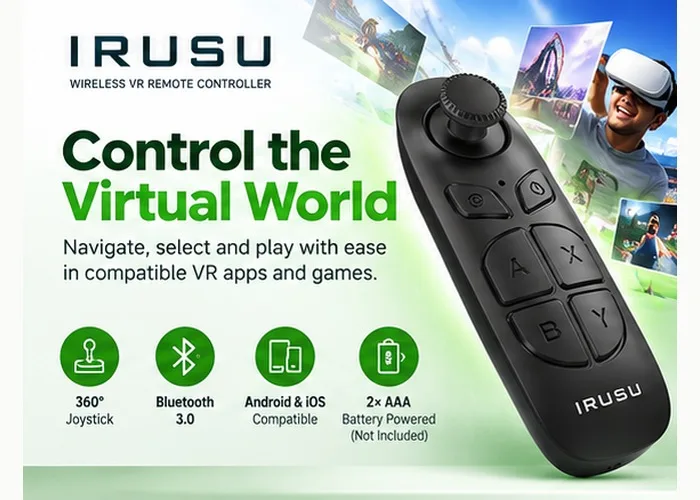
Explore the controller layout and the functions described in the IRUSU user guide.
Move the joystick for navigation and movement in supported games or applications.
Use the power, confirmation and toggle buttons according to the connected mode and application's supported controls.
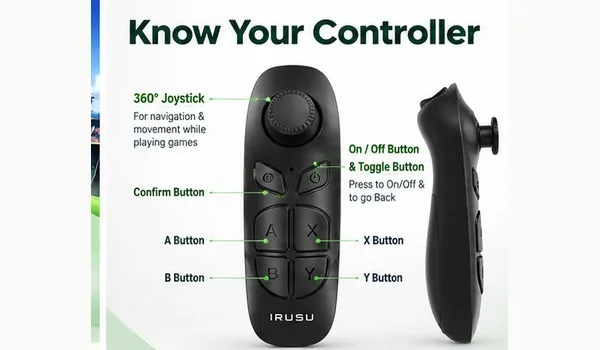
A compact remote design with a joystick and multiple buttons for supported functions.
Specifications transcribed from the supplied IRUSU remote controller user guide.
| Specification | Details |
|---|---|
| Product model | SC-B03 |
| Product size | 43 × 37 × 110 mm |
| Wireless protocol | Bluetooth 3.0 compliant |
| Wireless distance | 2–10 m |
| Supported operating systems | Android, iOS |
| Battery type | 2 × AAA 1.5 V alkaline batteries |
| Batteries included | No |
| Continuous service time | Approximately 40 hours |
| Working current | 0.5–8 mA |
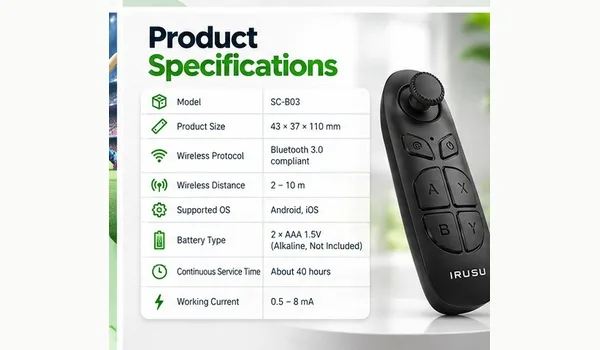
Follow the supplied user guide and check the connected device's supported functions.
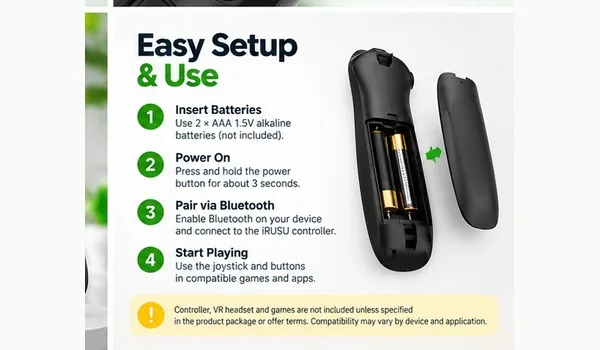
The manual describes pressing and holding the power button for approximately three seconds to switch the controller on or off. The indicator light communicates the controller's status.
Enable Bluetooth on the target device and follow the pairing procedure for the appropriate operating mode. Exact steps may differ by device and mode.
The manual describes VR, multimedia and iCade modes. Button behaviour differs by mode and application.